Your account
Settings holds everything about your account.
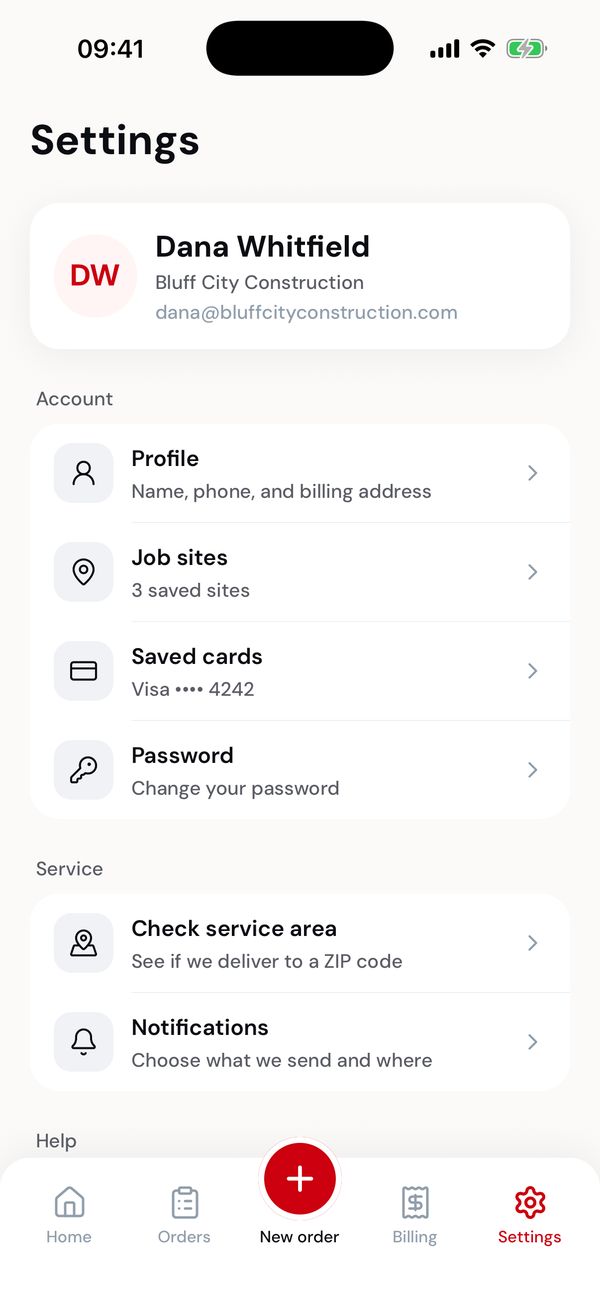
Your account, your service, and help.
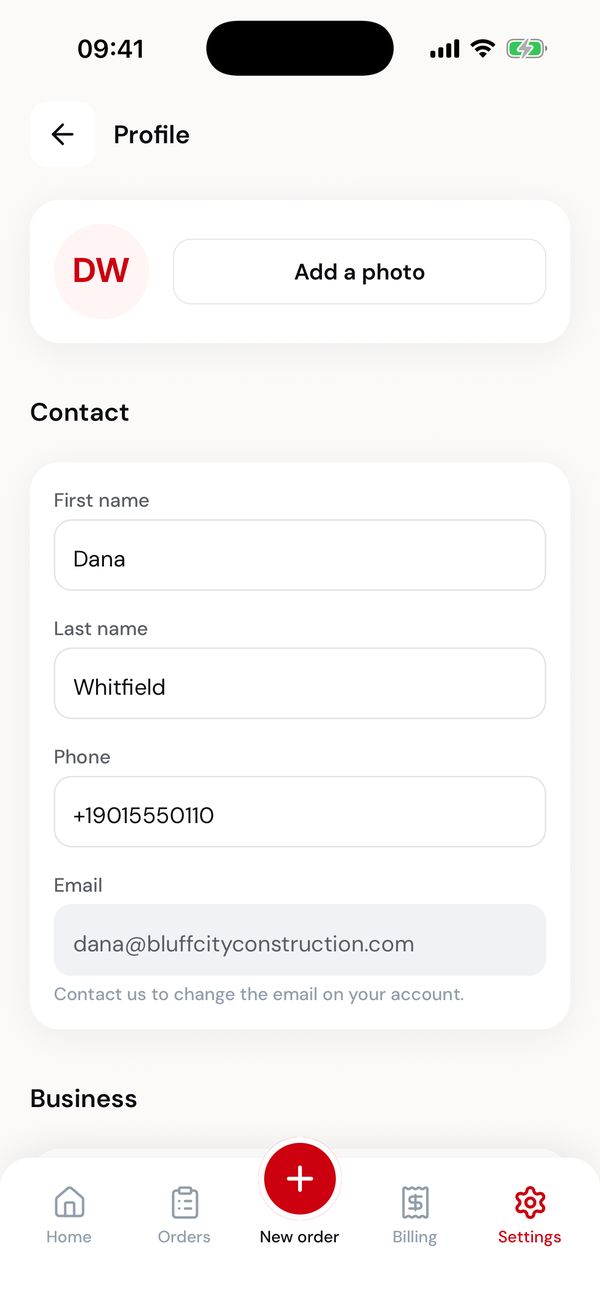
Name, phone, company and billing address.
Profile
- In the app
- In the web portal
- Photo: tap Add a photo to pick one from your phone.
- Name and phone: edit and save. A phone number needs 10 digits.
- Email: shown but not editable. Contact the office to change the address on your account.
- Company and billing address: used on your invoices. A state is two letters, a ZIP five digits.
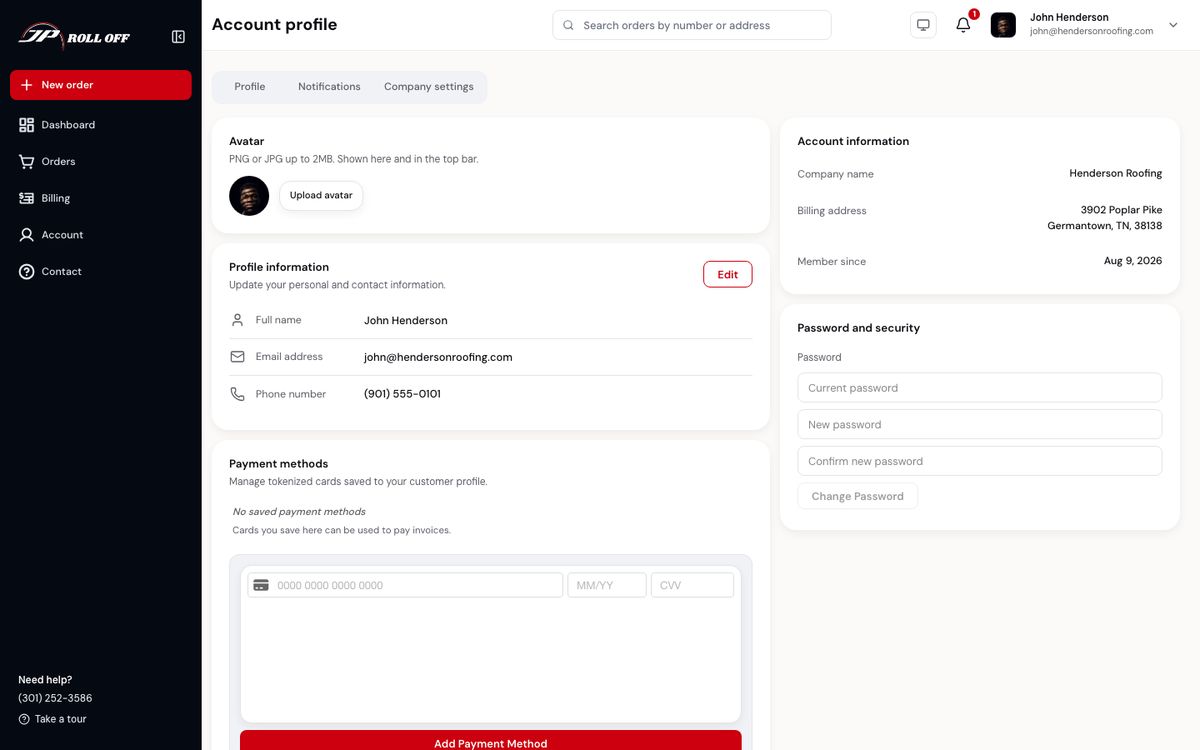
Account → Profile carries the same details: your name, phone and company. Your email is shown but can't be changed here — the office changes it.
Job sites
Your saved addresses. The one marked Default is offered first when you order.
- Add a job site: search for the address, use your current location, or type it. Give it a name like "Oak Street remodel" so it's easy to spot.
- Edit: tap a site.
- Remove: contact the office; sites can't be deleted from the app.
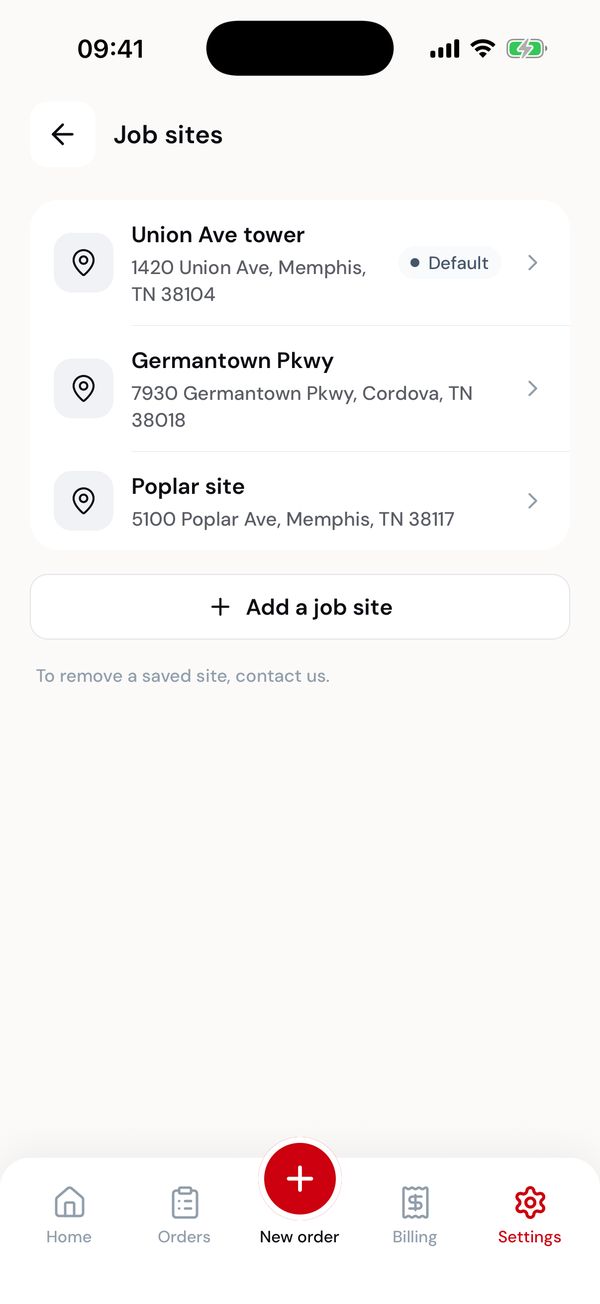
Your saved sites.
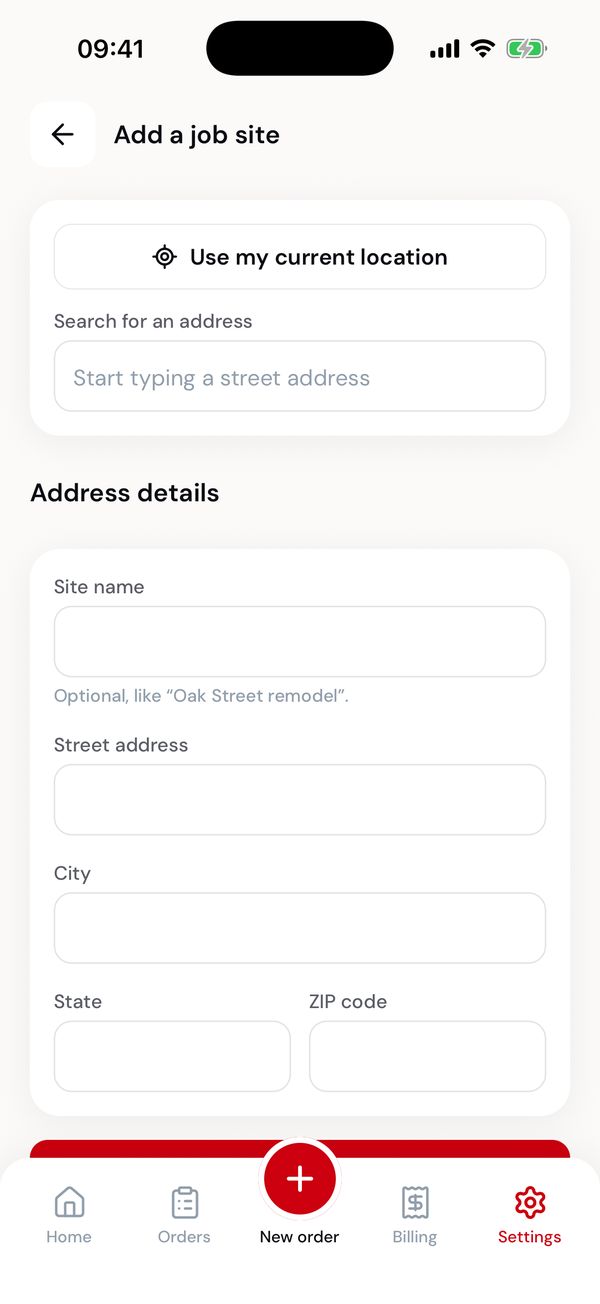
Search, use your location, or type it.
Password
Settings → Password. Enter your current password, then a new one of at least 8 characters, twice. You stay signed in.
Forgotten it? Sign out and use Forgot password? on the sign-in screen. Get started
Check service area
Enter a ZIP code to see whether we deliver there and what containers cost: the price for each size, the days and weight included, and the price per extra day.
If a ZIP is just outside, the app says the office will confirm. If it's outside the area, it says so rather than quoting.
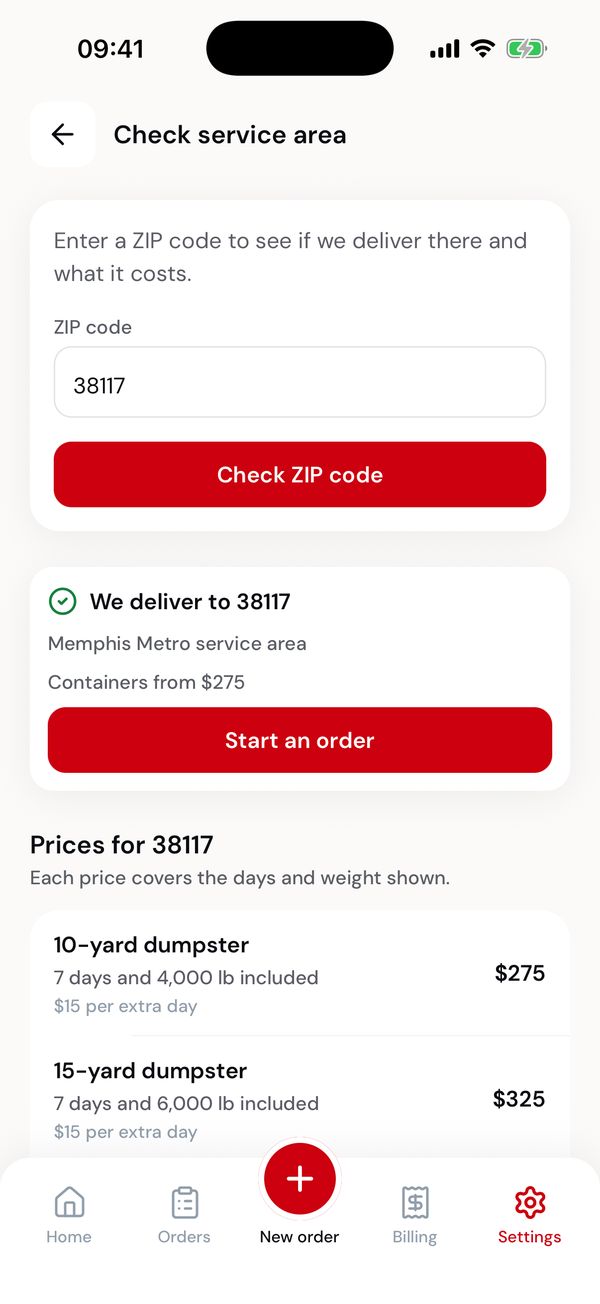
Prices for a ZIP we serve.
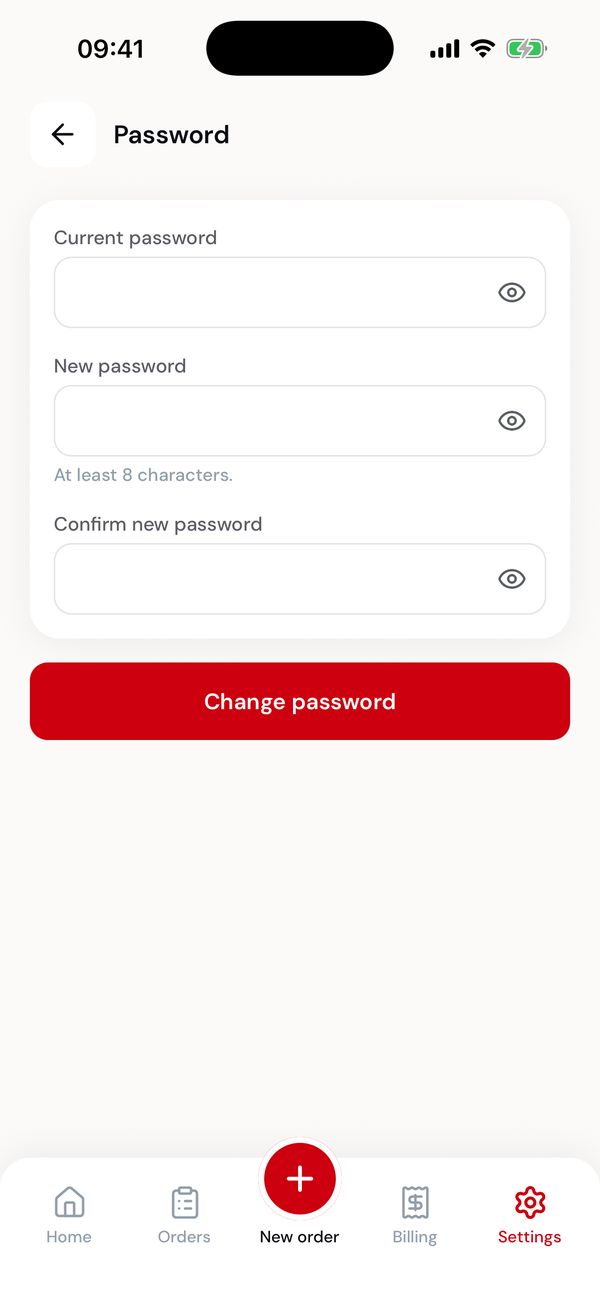
Changing your password.
Service terms
The terms you agree to when placing an order, and the date you last accepted them.
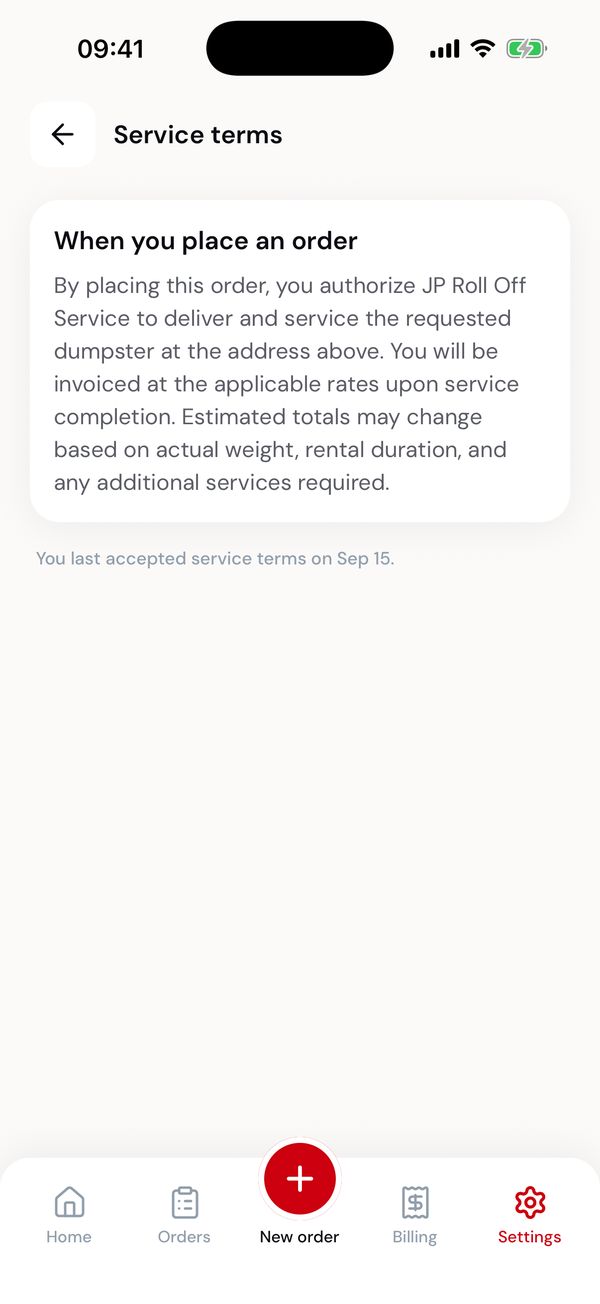
What you agree to when you order.
Call or email the office.
Deleting your account
Settings → Delete account deletes your login, saved cards, saved job sites and notification settings, and signs you out on every device. Enter your password, then confirm. It can't be undone.
JP Roll Off keeps your orders, invoices and payments, because they're needed for tax and accounting. If you still have a dumpster on site or an unpaid invoice, the app tells you first. Deleting your account doesn't end a rental or clear a balance, so the office will contact you to arrange pickup or payment.
You can sign up again with the same email at any time. You can also delete your account in the web portal under Settings, or email the office.
Privacy policy
Settings → Privacy policy opens JP Roll Off's privacy policy, which explains what information the app collects and how it's used. It's also linked under Create account, before you sign up.
Help and support
- In the app
- In the web portal
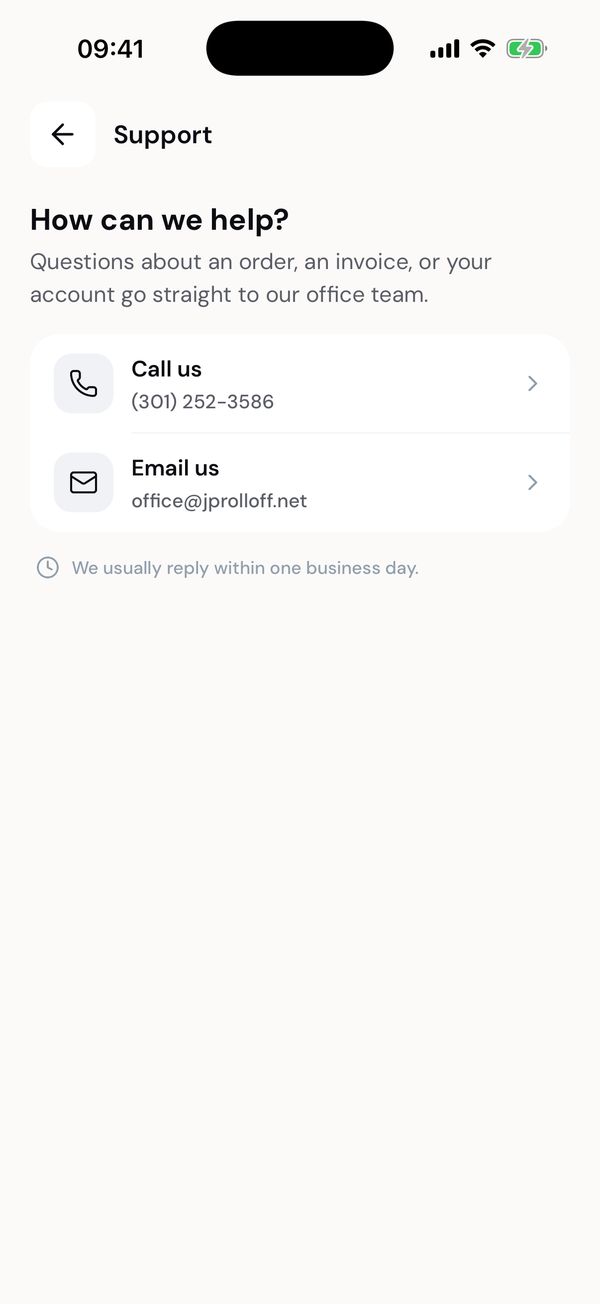
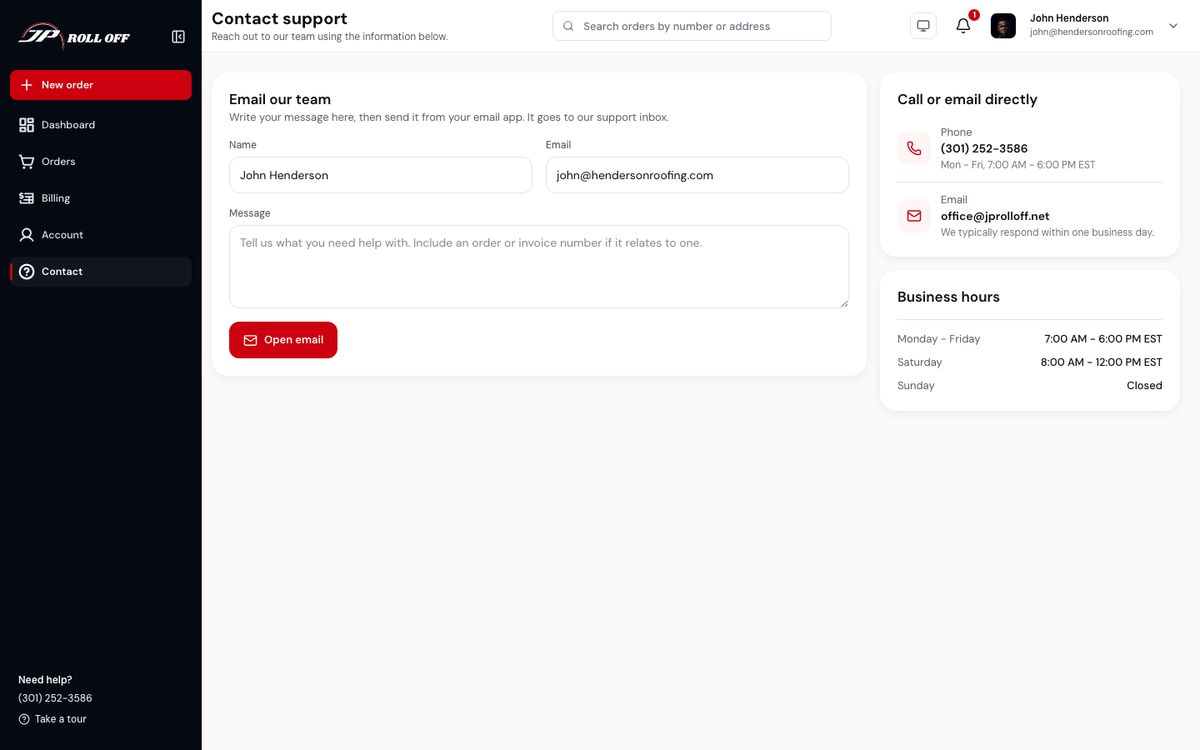
Call us or Email us reaches the office. Questions about an order, an invoice or your account all go to the same team, who usually reply within one business day.
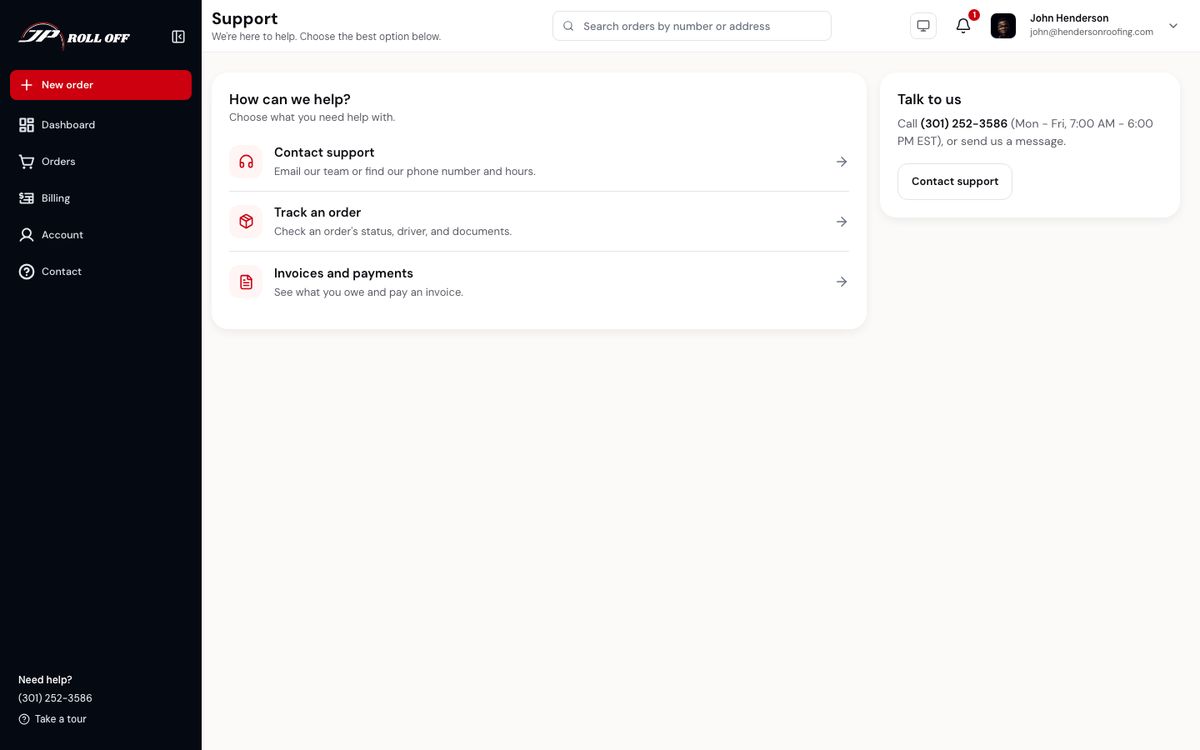
Contact in the sidebar opens the support area: contact the office, track an order, or go to invoices and payments. The office's phone number and hours are on the right.
There's also an FAQ covering the questions that come up most.
Signing out
Sign out is at the bottom of Settings. You'll need your email and password to sign back in.
Next: Problems and questions