Containers on your sites
:::note This one is the app The On site cards are an app screen. In the web portal the dashboard tells you how many containers are on your sites, and the rest — which container, where, and what's next for it — is on the order itself under Orders. :::
On site on Home lists the containers sitting on your sites right now. Each card shows the size and unit number, the site, the material, and one line about what's happening, with a button.
Swipe sideways when you have more than one.
What each card tells you
| The line says | It means | The button |
|---|---|---|
| Driver on the way to pick it up, Driver on site to swap it | A driver is working on this container now | Track opens that order |
| Pickup requested, Swap tomorrow | A pickup or swap is already booked. No need to ask again | View opens that order |
| Rental until Mon, Sep 21 | The rental runs to that day | Request pickup |
| Rental ends tomorrow (amber) | The rental is nearly up | Request pickup |
| Rental ended 5 days ago (red) | The rental period has passed. Extra days may be charged | Request pickup |
| Account on hold (red) | Nothing can be ordered until the balance is settled | Contact us |
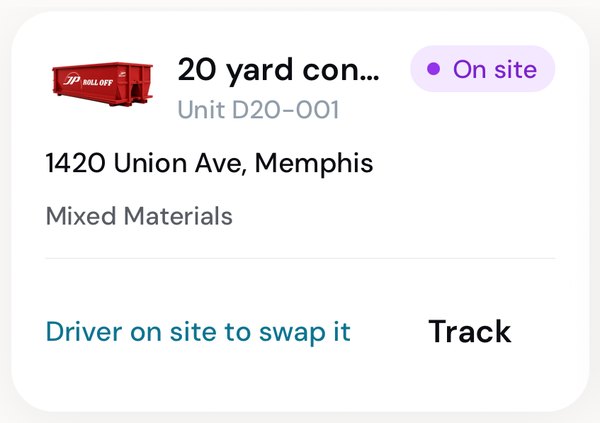
Work in progress: follow it.
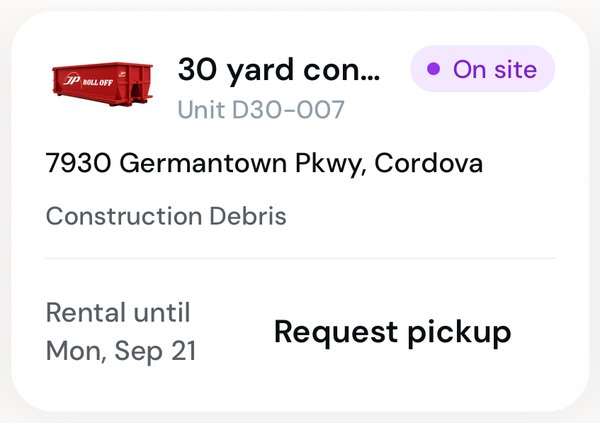
Mid-rental.
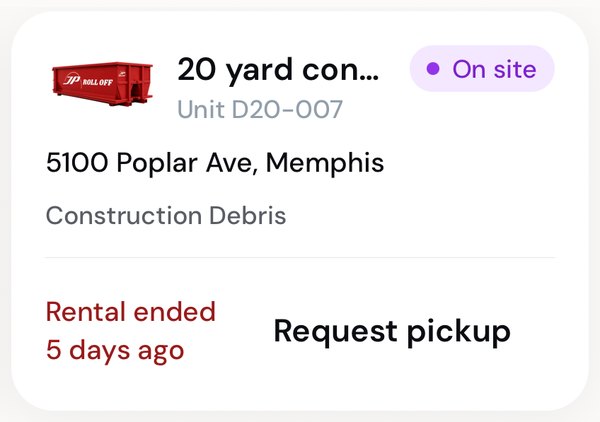
Past its rental: time to book a pickup.
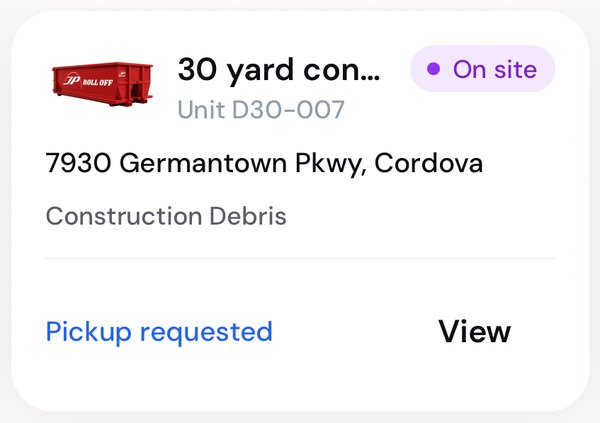
Already asked for.
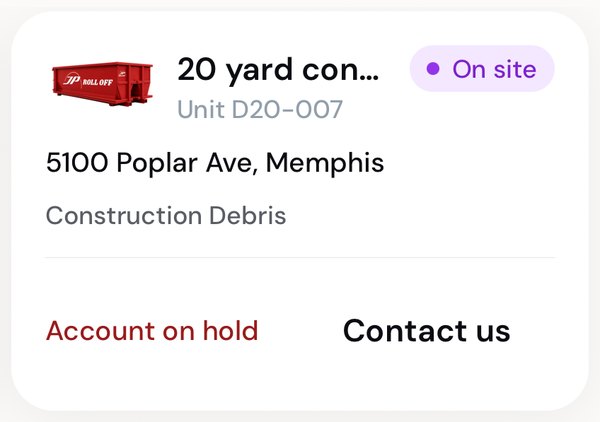
On hold: the office can help.
Request a pickup
Tap Request pickup on the card. The order opens with Removal and that container's size already chosen, and its site filled in on step 2. Pick the day and the preferred time, review, and place it.
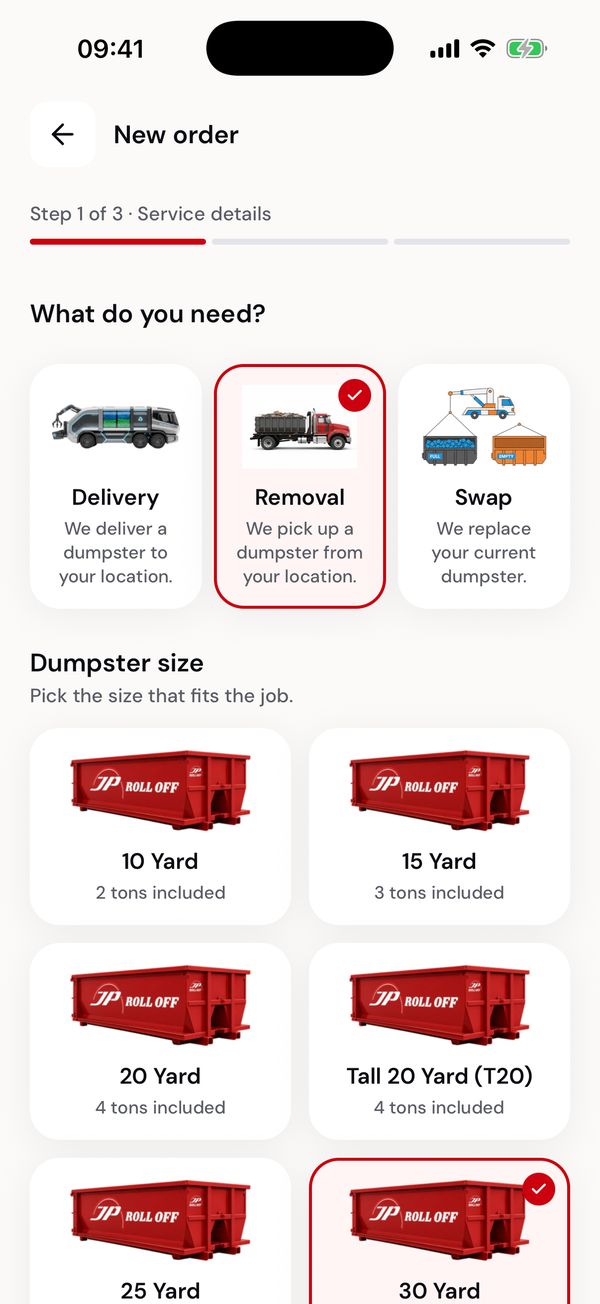
Service and size, already set.
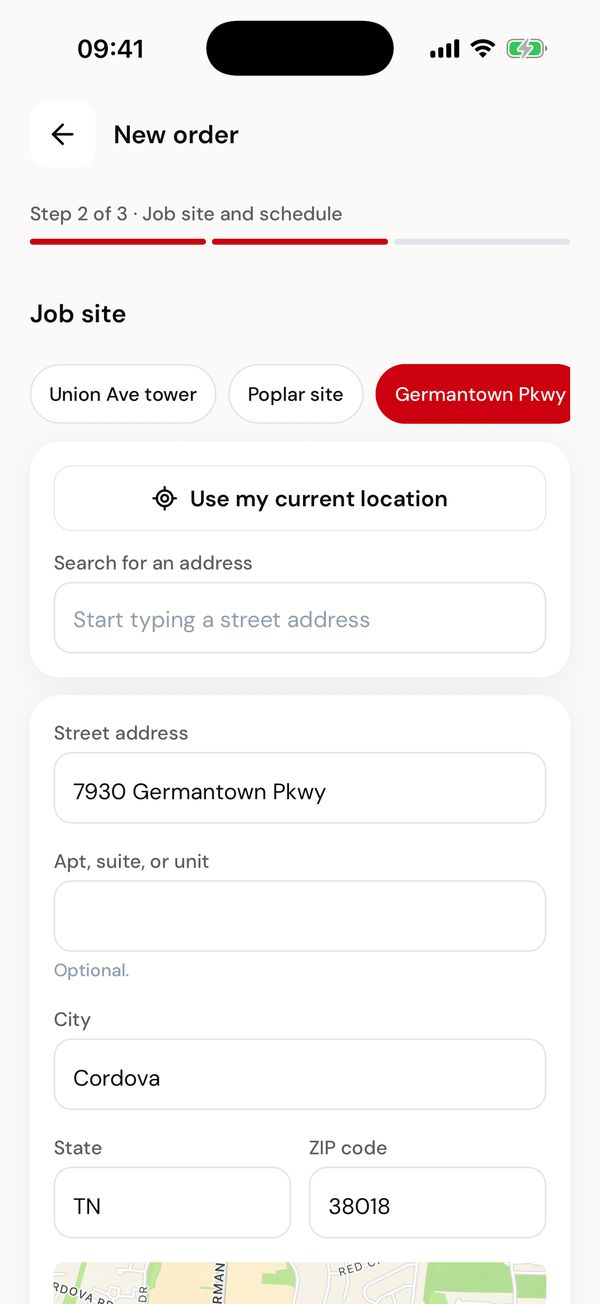
The container's site, filled in.
Once it's in, the card says Pickup requested until the driver is on the way.
Swap instead
A swap takes the full container away and leaves an empty one in its place, in a single visit. Use Swap container on Home, or start a new order and pick Swap.
Rentals ending
Two days before a rental runs out, you get a "Rental ending soon" notification and email, unless a pickup or swap is already booked for that site. If the rental has already ended, the card says how long ago: extra days may be charged on the invoice.
Why a container may not be listed
On site reads your orders. A container shows up once the driver has delivered or swapped it in, and drops off when a pickup is finished. If something looks wrong, the order itself is the record: check it on the Orders tab, or ask the office.
Next: Invoices and payments