Drivers
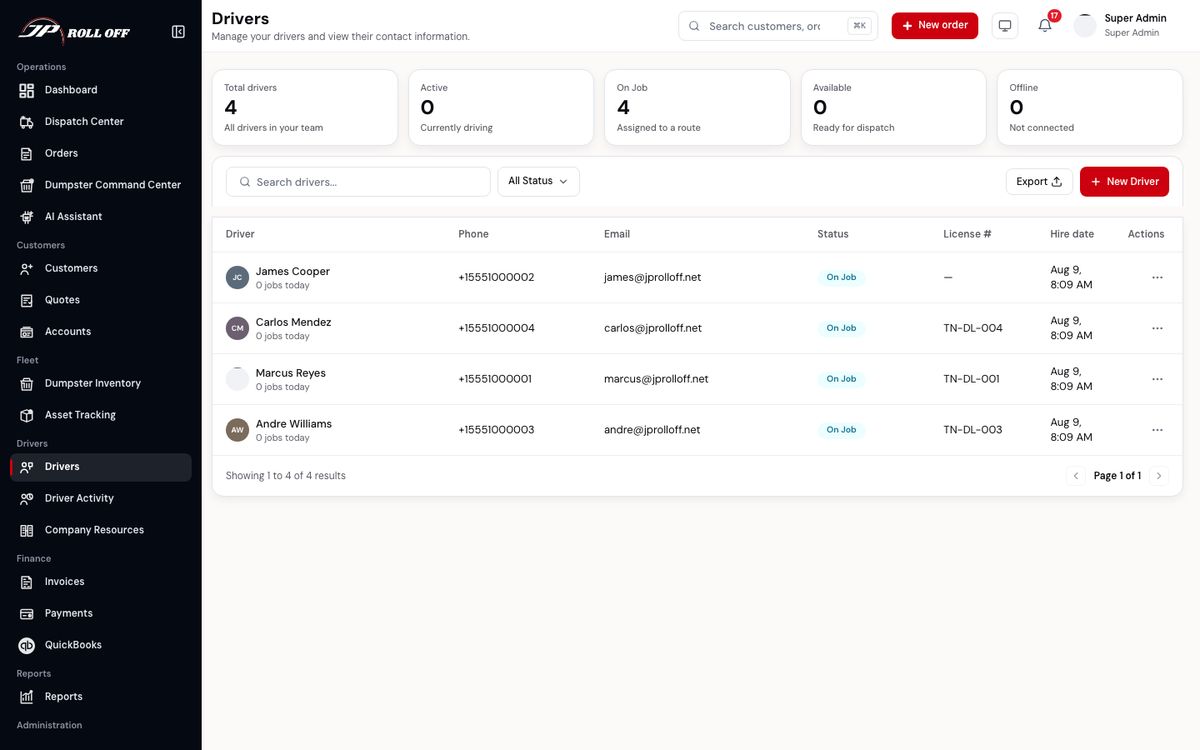
The driver list
Drivers is your team: who they are, and how to reach them.
Driver activity
Driver Activity is what's happening now. The counts across the top are your team split into on duty, on break and off duty — read from the app, not from a rota.
Each row is a driver with their status, the job they're on, where they are, and when their app last checked in. Click one and a panel opens with their position on a map, the job they're running, when they started, and a feed of what they've done today.
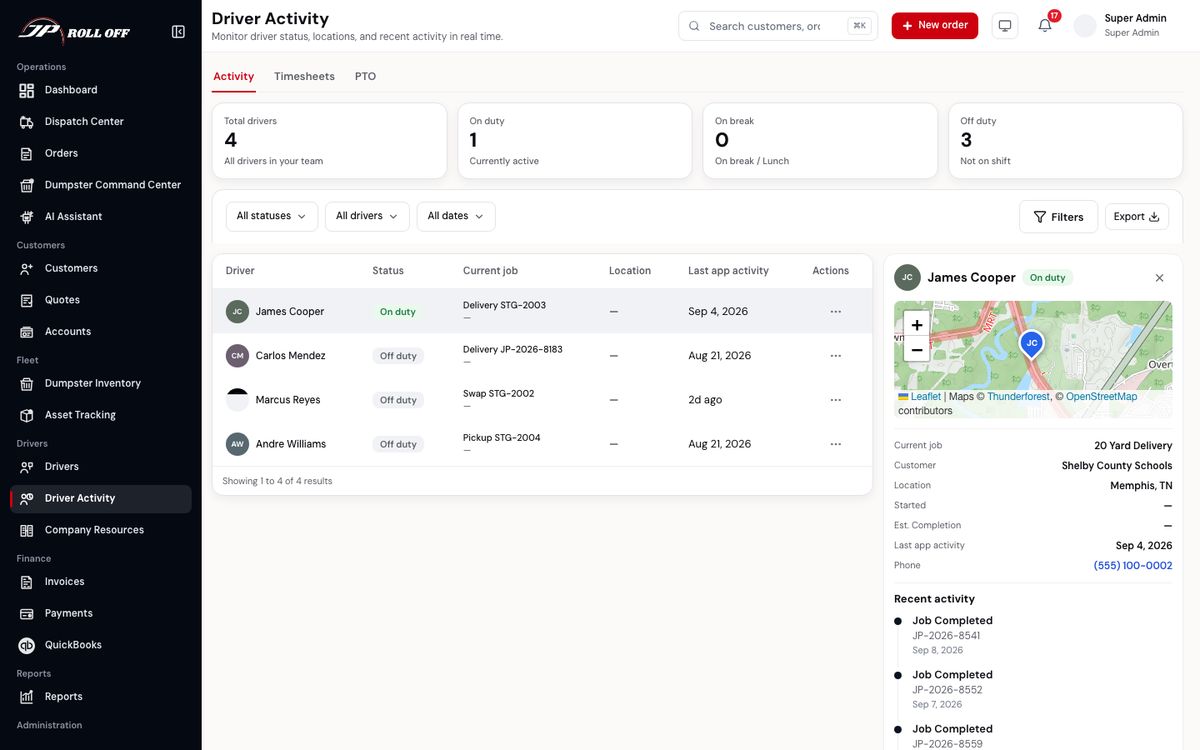
Last app activity is the honest one: a driver showing days ago hasn't opened the app.
Drivers clock in and out from the app themselves. The Timesheets tab is what that produced, and PTO is where time-off requests land for approval.
Export CSV on the Timesheets tab downloads a spreadsheet for payroll. Pick a range (Last week is the usual one) and, if you like, one driver. The file has two parts:
- One row per driver per day: clock in, clock out, hours worked, whether a shift is still open, and whether the day was approved PTO or sick leave.
- Weekly totals: one row per driver per week, Monday to Sunday. It shows hours worked, PTO and sick time in days and in hours, and the total of all three.
A day of PTO or sick leave counts as 8 hours. Only weekdays count, and only days inside the range you picked, so a week's leave that runs over a weekend is five days.
If a driver's timer has been running for days, they forgot to clock out. They can clock out now, and you can correct the day on their timesheet.
What drivers hear from you
Assigning, un-assigning, cancelling or changing a job all reach the driver without anyone phoning them:
| When you… | They get |
|---|---|
| Assign them a job | A notification and a text |
| Move the job to someone else | A notification and a text — they know not to run it |
| Cancel the job | A notification and a text |
| Change the date, window, address or notes | A notification, plus a text when the job is today or tomorrow |
| Answer a weight-ticket override | A notification |
| Resolve a problem they reported | A notification |
Drivers can turn job texts off in their own settings, so a text isn't a guarantee. Everything you send also lands in their Alerts list whatever they've turned off.
Next: What customers hear